


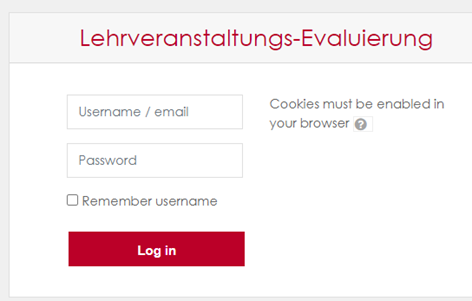
Go to: https://lv-eval.fh-joanneum.at.
- Log in with your FH – user data either your username or email address.
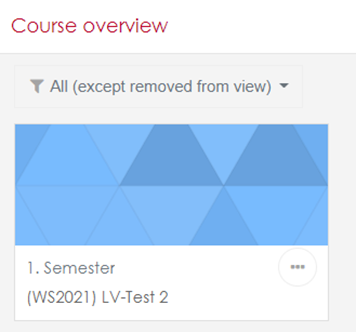
- In your course overview, click on a course that has already been evaluated by your students.
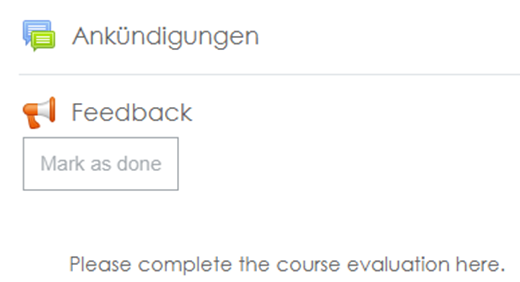
- Click on Feedback in the course.
- You see 3 tabs: Overview, Analysis, Show responses
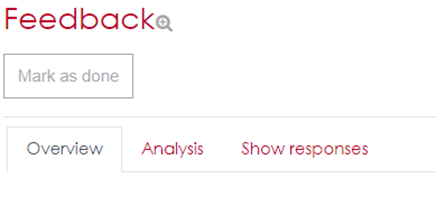
- Click on Analysis. There you will see each question evaluated graphically and comments. You can print this page directly from the browser, should you wish to do so.
- On tab Show responses, you see each completed feedback in total.