


Open: https://lv-eval.fh-joanneum.at.
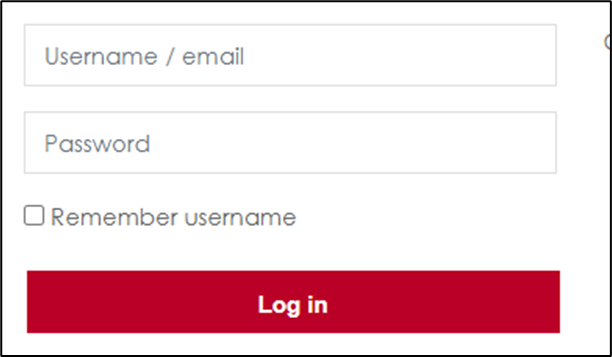
- Log in with your FH – user data either your username or email address.
- Click on one course in your course overview.
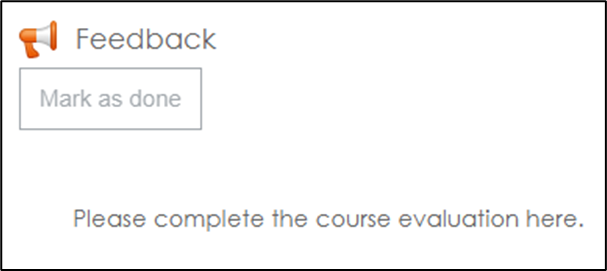
- Click on Feedback inside the course.
- You can see the button Answer the questions.
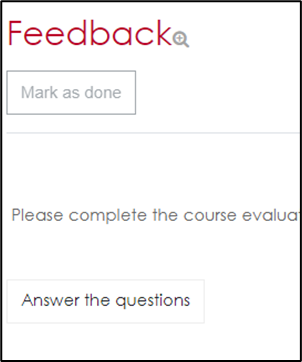
- Click the button and answer the questions. Your answers are anonymous.
- At the end of the form, click Submit your answers.
- Click Dashboard on top or in left navigation and start another form in another course.