


MOSES is integrated in JOANNEUM|online. You can open it as follows:
- Open JOANNEUM|online.
- Click on the MOSES application.

- The start page of MOSES opens.

- Click Login in the upper right area.

- Log in with your FHJ username and FHJ password. Click Login “Anmelden”.

- Now you see the default view of MOSES.

- Click on the tab Course scheduling.
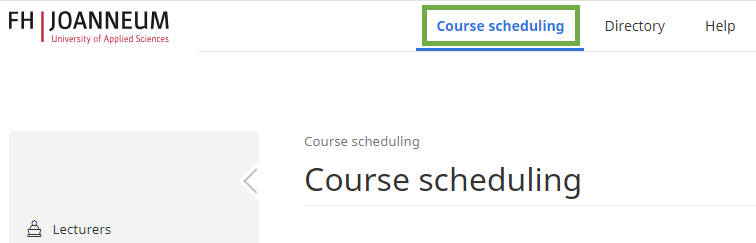
- Click on Timetables “Stundenpläne” and Lecturer “Dozent*in” in the left-hand menu column.

- Select the desired semester.
- Select the desired lecturer(s) “Dozierende/n”.

- The calendar + the course list is opened. The course list shows the courses in which the lecturer has already been scheduled.

- Select the desired view, e.g. Single week “Einzelne Woche”.
